
This post may contain affiliate links, meaning I get a commission if you decide to make a purchase through my links, at no cost to you.
Quick Summary: If you are trying to use Wine, Grapejuice, or Vinegar to play Roblox, they will likely crash. Due to Roblox’s Hyperion (Byfron) anti-cheat, the Windows client is blocked on Linux. The only stable, high-performance way to play Roblox on linux in 2026 is via Sober, which utilizes the Android runtime.
Why Old Linux Roblox Guides Are Failing
Most tutorials written before 2025 suggest using a “compatibility layer” called Wine. However, Roblox officially blocked Wine-based execution to prevent third-party exploits. While Roblox Studio still works via Vinegar (Wine), the Roblox Player requires a different approach.
The Solution: Sober
Sober is a specialized runtime that allows the mobile version of Roblox to run natively on Linux desktops. Because it uses the Android APK base (which is officially supported by Roblox), it bypasses the Hyperion blocks that plague Windows-based methods.
Prerequisites: What You’ll Need to run Roblox on Linux
Before starting, ensure your system meets these 2026 standards:
- GPU: Support for Vulkan 1.0 or OpenGL ES 3.0.
- Kernel: Linux 5.11 or newer.
- Architecture: x86-64 CPU with SSE4.1+ support.
- Flatpak: The universal packaging system for Linux.
Step 1: Install Flatpak & Enable Flathub
Most modern distros (Fedora, Mint, SteamOS) come with Flatpak. If yours doesn’t, open your terminal and run:
For Ubuntu/Debian:
sudo apt install flatpak
For Arch Linux:
sudo pacman -S flatpak
Enable Flathub (The App Store):
flatpak remote-add --if-not-exists flathub https://dl.flathub.org/repo/flathub.flatpakrepo
What I use
NordVPN — the VPN that actually works on Linux
Most VPNs on Linux mean fighting with OpenVPN configs. NordVPN has a proper native client — one command and you’re connected.
Step 2: Install the Sober Runtime
Sober is the “bridge” that makes Roblox work. You can install it with a single command:
flatpak install flathub org.vinegarhq.Sober
Step 3: Launching & Installing Roblox on Linux
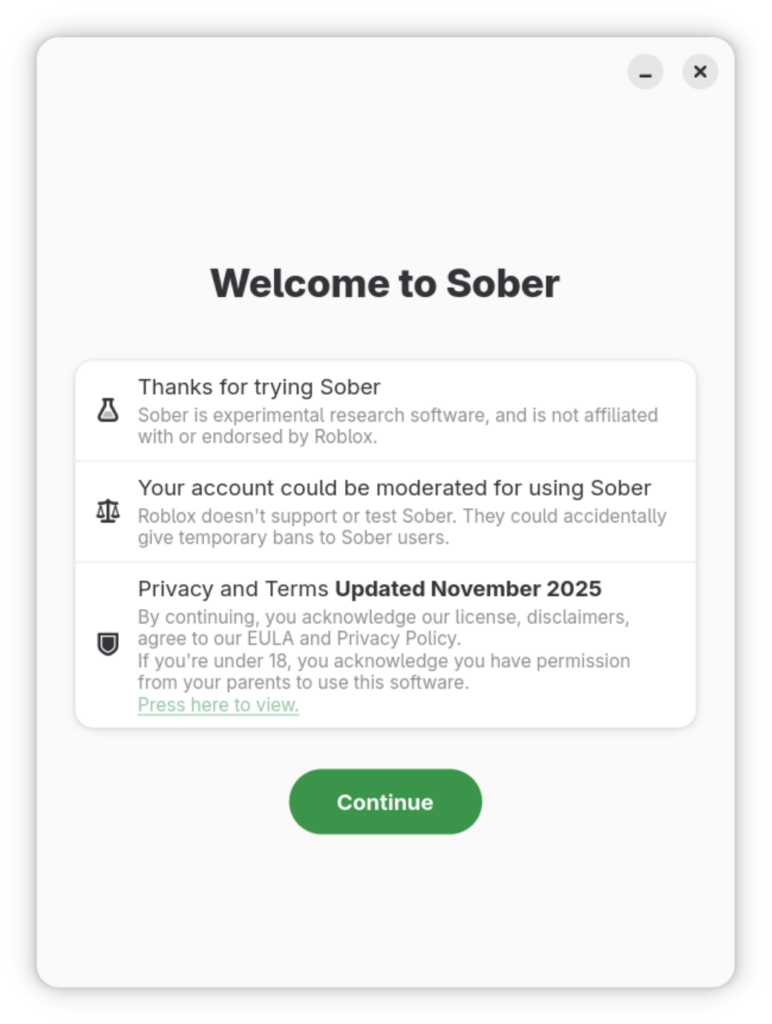
- Open Sober from your application menu.
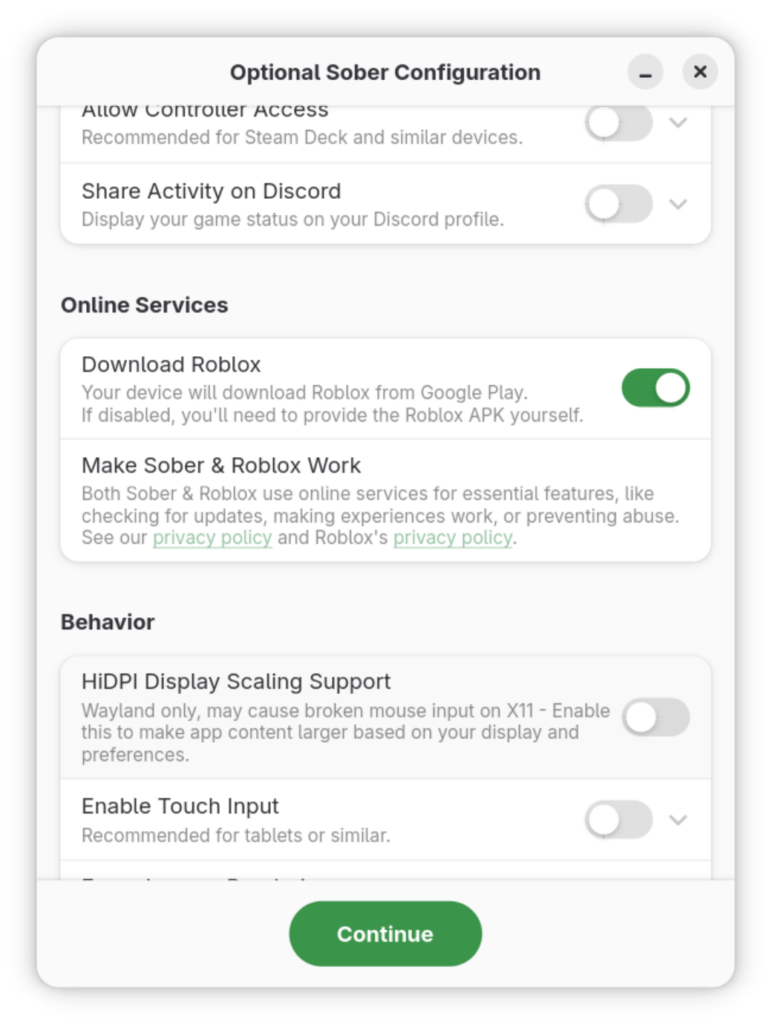
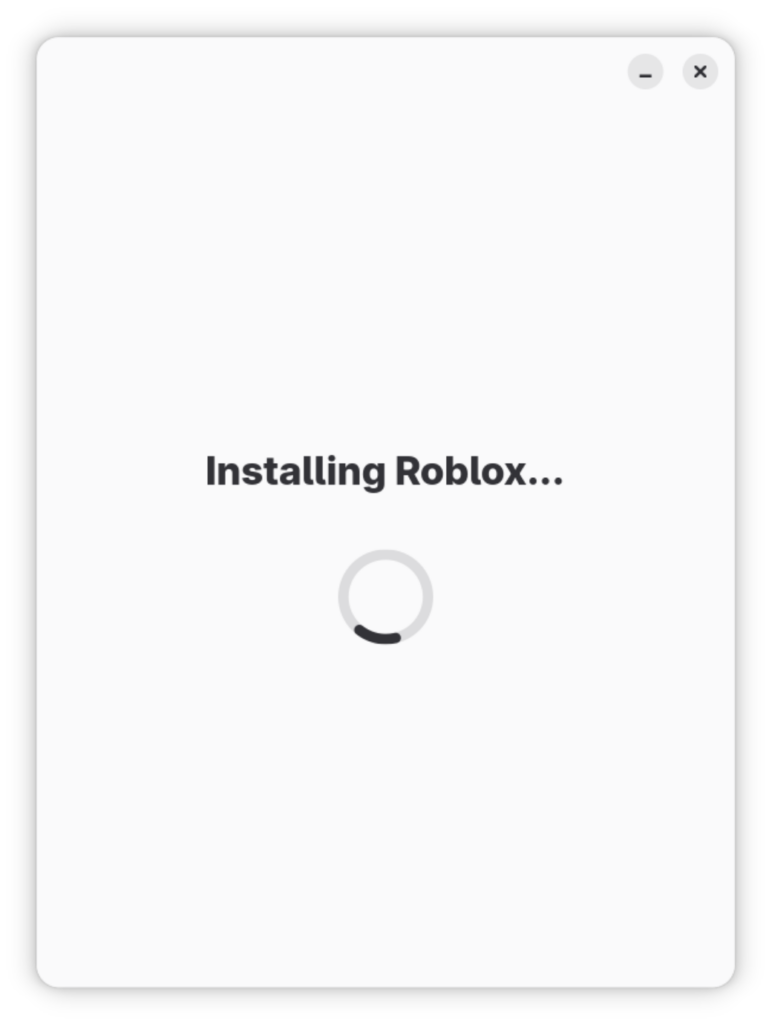
- On the first launch, Sober will ask few things about how you want to setup your client.
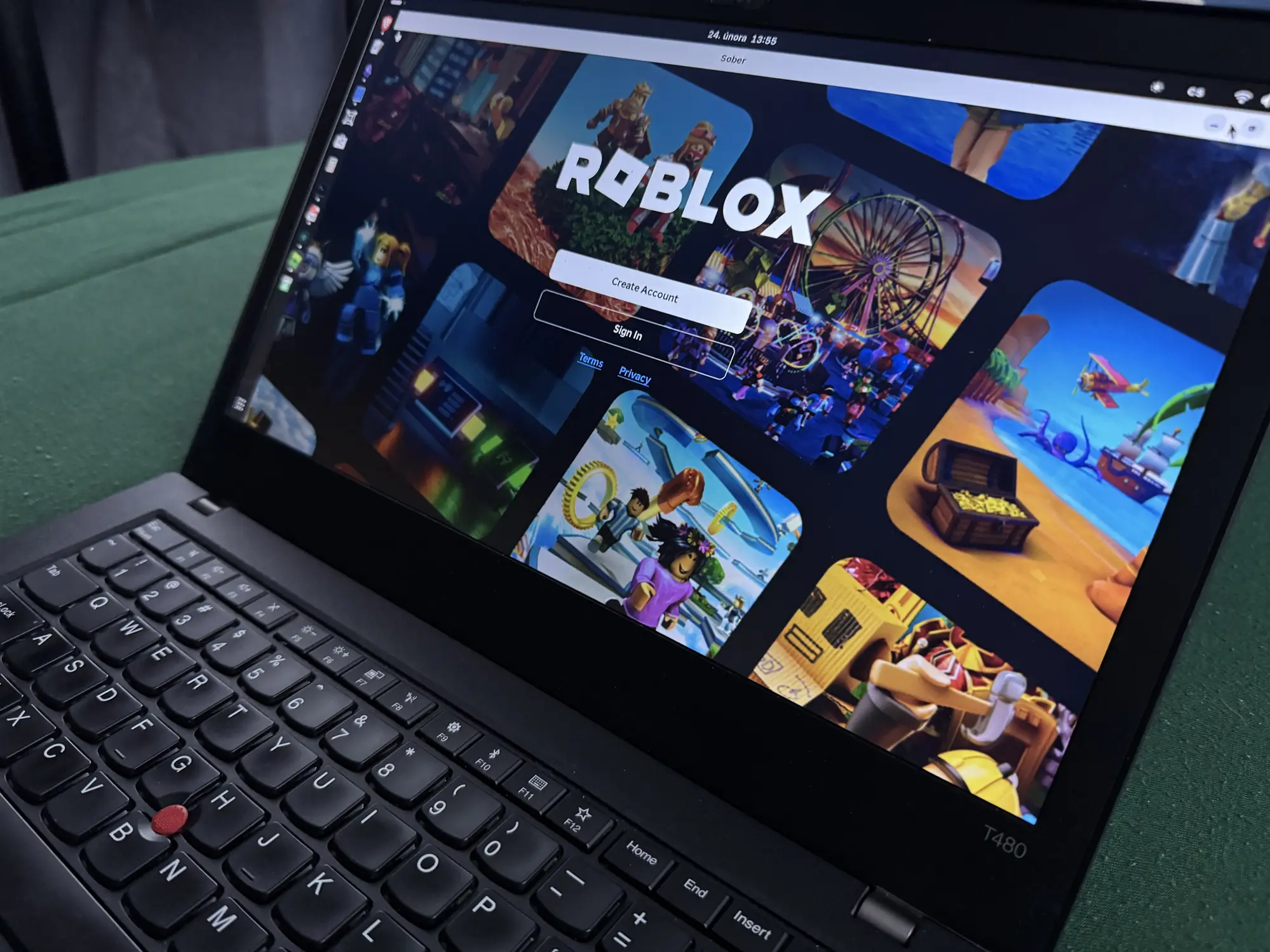
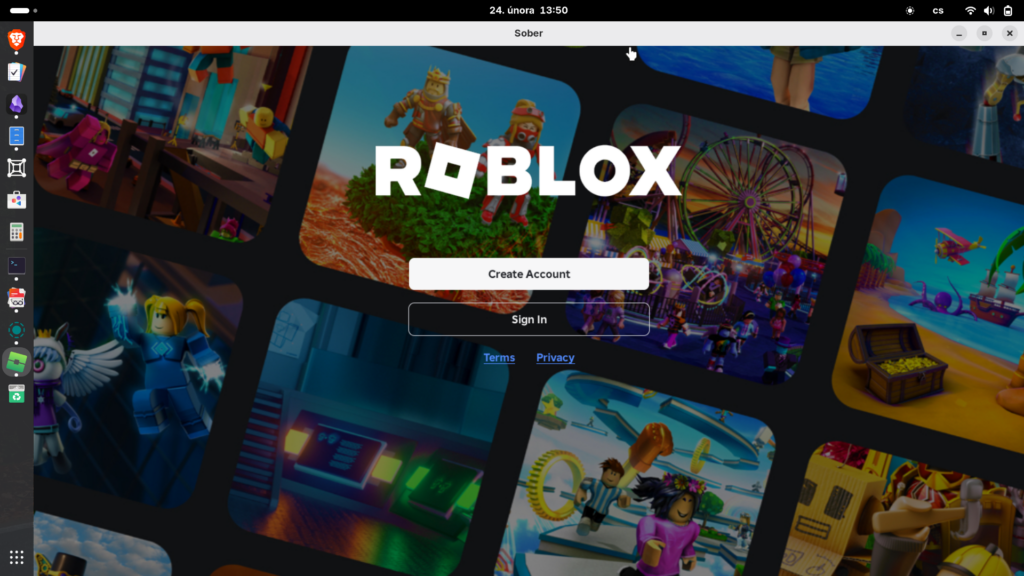
- Once the download completes, the Roblox login screen will appear.
Step 4: Optimization for 2026 Performance
To get the best FPS (often exceeding Windows performance), follow these tweaks within the Sober settings:
- Graphics Backend: Select Vulkan for AMD/Intel users. NVIDIA users may prefer OpenGL if they encounter flickering.
- Relative Mouse Mode: Enable this to fix “spinning” camera issues common in Linux gaming.
- FPS Unlocker: Sober has a built-in toggle to bypass the 60 FPS cap.
| Feature | Sober (Android Base) | Wine (Windows Base) |
| Status | Working (2026) | Blocked / Broken |
| Performance | High (Near Native) | Low / Stuttering |
| Anti-Cheat | Safe | Trigger-prone |
| Ease of Use | Simple (Flatpak) | Complex (Patches) |
FAQ: Frequently Asked Questions About Roblox on Linux
Can I get banned for using Sober?
As of February 2026, there are no reported bans for using Sober. It uses official Roblox APKs and does not modify the game binary in a way that triggers Hyperion. However, always use third-party tools at your own risk.
Does Roblox Studio work on Linux?
Yes, but not via Sober. To use Studio, you should install Vinegar from Flathub. Studio does not currently utilize the same strict anti-cheat as the Player.
Why is Sober closed source?
The developers made Sober closed source to prevent “bad actors” from using the code to create exploits, which would force Roblox to block the project entirely.
Conclusion: The Future of Linux Gaming
While we still hope for a native .deb or .rpm from Roblox Corporation, Sober is the gold standard for Linux users in 2026. It is fast, stable, and keeps you in the game without needing a Windows partition.