
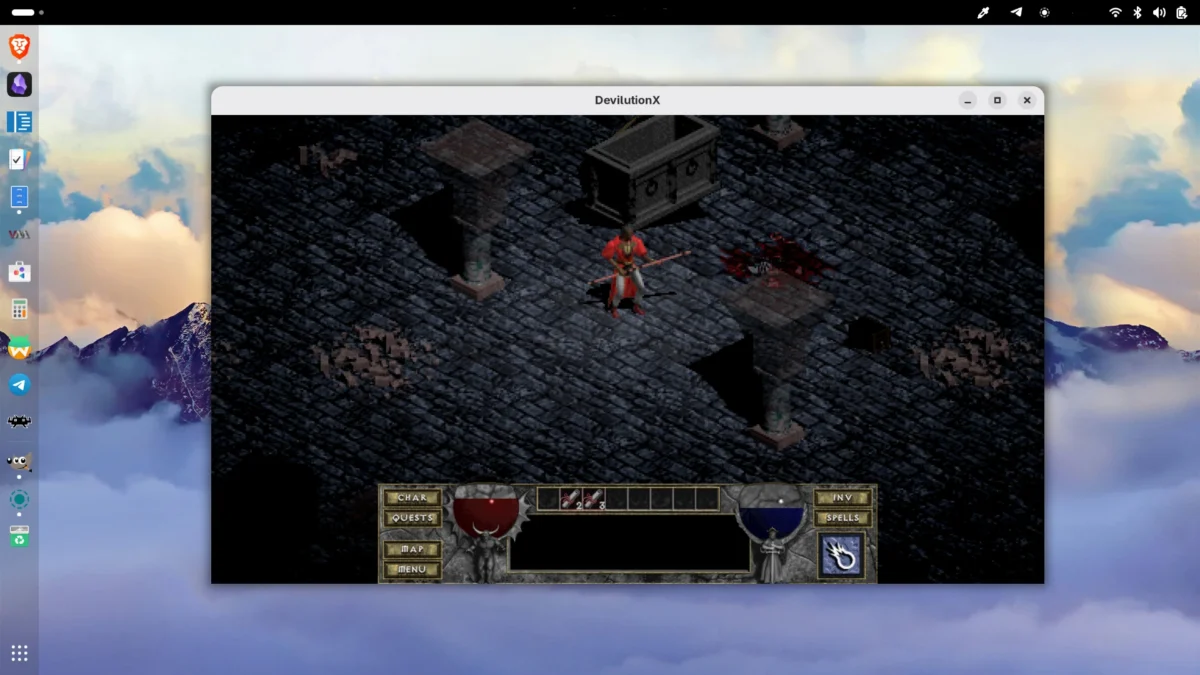
Diablo came out in 1996. Nearly three decades later, it still holds up. The atmosphere, the loop, the dungeon dread — they’re as compelling as ever. The problem is that running a 1996 Windows game on a modern Linux system has always required wrestling with Wine, compatibility layers, or fiddly GOG installers that weren’t designed with Tux in mind.
DevilutionX sidesteps all of that. It’s a full reverse-engineered reimplementation of Diablo’s original engine — rebuilt from scratch to run natively on modern operating systems, including Linux, with a heap of quality-of-life improvements baked in. No emulation. No Wine. Just a clean, native binary.
What Exactly Is DevilutionX?
DevilutionX started as a project called Devilution, which aimed to reconstruct the original Diablo source code through careful analysis of the game binaries. DevilutionX is the extended fork of that work — one that doesn’t just preserve the original engine but actively improves it.
The project is maintained by a dedicated community of contributors on GitHub, where it has accumulated over 9,000 stars. It supports both Diablo 1 and the Hellfire expansion, and runs on an impressive range of platforms — from desktop Linux and macOS to Android, iOS, the Nintendo Switch, PlayStation Vita, and even the Amiga.
⚠️ Important: DevilutionX is the engine only. You still need the original Diablo game data (
DIABDAT.MPQ) to play the full game. This is Blizzard’s intellectual property and you must own a legitimate copy. More on that below.
Why It Beats Running Diablo Under Wine
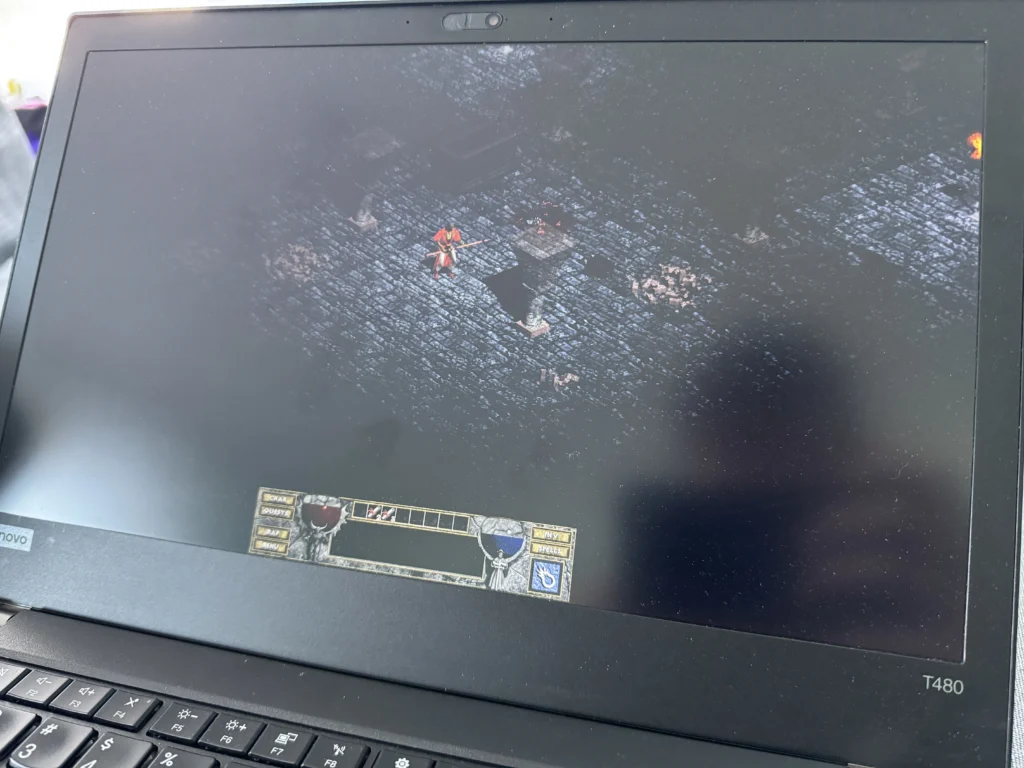
Wine works — most of the time. But it introduces latency, occasional graphical glitches, and an extra layer of configuration you shouldn’t have to deal with just to play a classic game. DevilutionX is a different proposition entirely.
Because the engine has been rebuilt from the ground up in C++, it runs as a first-class Linux citizen. It respects your system’s audio stack, integrates naturally with gamepads through SDL2, and starts in under a second. There’s no Windows runtime to manage, no DXVK configuration to tweak, and no mystery crashes when your distro updates a library.
Beyond pure compatibility, the team has used the rewrite as an opportunity to fix longstanding bugs from the original game and add features that feel like they should have been there all along.
Features You Actually Care About
- Widescreen & Upscaling — Native support for modern resolutions and aspect ratios. The original 640×480 is a distant memory.
- Controller Support — Full gamepad input via SDL2. Works great on the Steam Deck out of the box.
- Multiplayer Without Port Forwarding — Online co-op with friends, without the original’s networking headaches.
- Translations — Community-contributed localisation for languages the original never supported.
- Shared Stash — Store items between characters, a feature Diablo 2 made standard, now backported.
- Bug Fixes — Dozens of original game bugs corrected, with optional quality-of-life toggles.
Optional overlays — such as an experience bar, enemy health bars, and a zoom function — can be toggled independently, so purists who want the authentic experience can have it while others get a more modern feel.
Getting the Game Files
Before installing DevilutionX, you need a legitimate copy of Diablo 1. The cleanest route on Linux is GOG.com, which sells a DRM-free version. You can extract the required DIABDAT.MPQ file from the GOG installer using the innoextract tool, available in most distro repos.
Get Diablo DRM-free on GOG.com
One-time purchase, no launcher required. Your game files work forever — and they’re exactly what DevilutionX needs.
Once you have the GOG installer downloaded, extract the game data with:
sudo apt install innoextract   # Debian/Ubuntu
innoextract setup_diablo_1.09b_v2_\(28395\).exe
This will extract DIABDAT.MPQ into a subdirectory. Keep it somewhere accessible — you’ll point DevilutionX at it shortly.
Installing DevilutionX on Linux
There are three main routes depending on your preference. All are straightforward.
Option 1: Flatpak (Recommended for Most Users)
Flatpak gives you a clean sandboxed installation with automatic updates. If you have Flathub configured:
flatpak install flathub org.diasurgical.DevilutionX
Copy your game data to the right place:
cp DIABDAT.MPQ ~/.var/app/org.diasurgical.DevilutionX/data/diasurgical/devilution/
Then launch from your app menu, or via terminal:
flatpak run org.diasurgical.DevilutionX
Option 2: Snap
Works on Ubuntu and most Ubuntu-based distros without any additional setup:
sudo snap install devilutionx
Copy the game data:
cp DIABDAT.MPQ ~/snap/devilutionx/current/.local/share/diasurgical/devilution/
Option 3: AppImage (No Package Manager Needed)
Grab the latest AppImage from the GitHub releases page — look for devilutionx-linux-x86_64.appimage — then make it executable and run it:
chmod +x devilutionx-linux-x86_64.appimage
./devilutionx-linux-x86_64.appimage
On first run you’ll be prompted to locate your DIABDAT.MPQ. Point it at your file and you’re in.
💡 Tip — Hellfire Expansion: To play Hellfire you also need
hellfire.mpq,hfmonk.mpq,hfmusic.mpq, andhfvoice.mpqfrom a Hellfire installation. Copy them into the same directory asDIABDAT.MPQand DevilutionX will detect them automatically.
Platform Support at a Glance
| Platform | Install Method | Gamepad | Notes |
|---|---|---|---|
| Linux (x86_64) | Flatpak / Snap / AppImage | ✅ | Best-supported platform |
| Steam Deck | Flatpak (Desktop Mode) | ✅ | Add as non-Steam game for Gaming Mode |
| Linux (ARM64) | AppImage / build from source | ✅ | Raspberry Pi 4+ supported |
| Android | Google Play / APK | ✅ | Touch controls included |
| Nintendo Switch | GitHub releases | ✅ | Requires homebrew |
Building From Source
If you want the latest development build — or you’re on an unusual architecture — you can compile DevilutionX yourself. The build system uses CMake:
bash
# Install dependencies (Debian/Ubuntu)
sudo apt install git cmake g++ \
  libsdl2-dev libsdl2-mixer-dev libsdl2-ttf-dev \
  libsodium-dev libpng-dev libbz2-dev

# Clone and build
git clone https://github.com/diasurgical/devilutionX
cd devilutionX
cmake -S. -Bbuild -DCMAKE_BUILD_TYPE=Release
cmake --build build -j$(nproc)

# Run
./build/devilutionx
⚠️ Warning: If you pull from the
mainbranch rather than a tagged release, back up your save files first. Development builds may contain bugs that affect save compatibility.
Is It Worth It in 2025?
Yes — unreservedly. DevilutionX is one of the cleanest examples of what open-source game preservation can look like when it’s done well. The project respects the original work (you still need to own the game), fixes its rough edges, and makes it accessible to hardware Blizzard never considered.
The latest release at time of writing is v1.5.4, which improves gamepad handling and tightens up item validation. The project is actively maintained with releases landing every few months and a healthy contributor base.
If you’ve never played Diablo 1, it remains one of the most atmospheric ARPGs ever made — and DevilutionX is simply the best way to experience it on Linux today. If you played it in 1996, it’ll feel exactly as you remember, except it won’t crash your system.
TL;DR: DevilutionX is a native Linux port of Diablo 1 and Hellfire, built by reverse-engineering the original engine. It installs cleanly via Flatpak or Snap, adds widescreen support, controller input, and multiplayer improvements, and only requires that you own a legitimate copy of the game — available DRM-free from GOG.
Project homepage: github.com/diasurgical/DevilutionX