This post may contain affiliate links, meaning I get a commission if you decide to make a purchase through my links, at no cost to you.
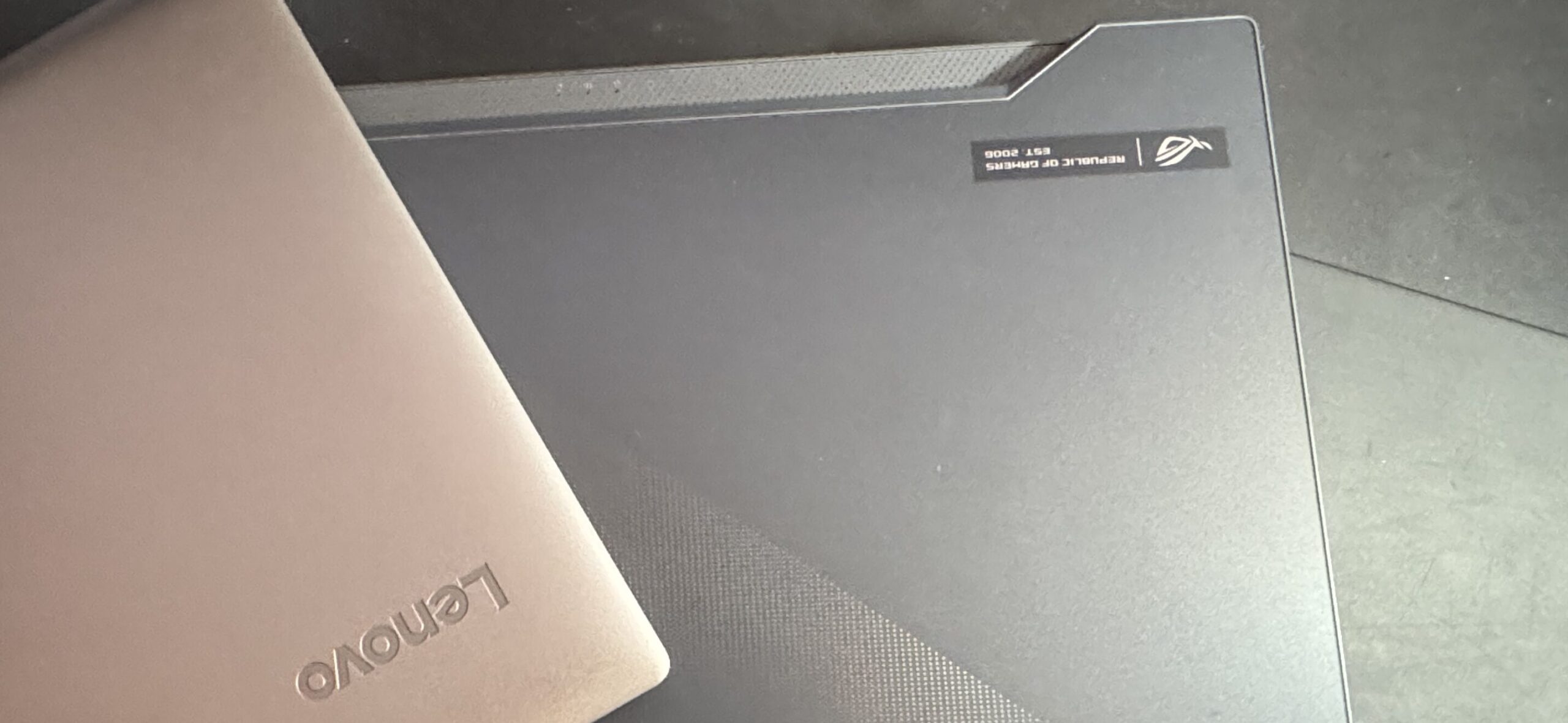
For the long time, I’d been hunting for a laptop that actually felt right for writing my blog posts. I tried them all — a 2018 MacBook Pro, an Asus Zephyrus M15 (powerful, but huge) — and nothing clicked. Too big. Too picky with Linux. (Yeah, the T2 chip was a nightmare.) But this morning… everything changed with ThinkPad T480.
Discovering the Writer’s Holy Grail – The ThinkPad T480
Scrolling through a local classifieds site, I spotted it: a ThinkPad T480 just a few miles away. The price? Perfect. The condition? Almost flawless — just a few minor scratches. Sure, it had no hard drive and only 8 GB of RAM, but honestly, I didn’t care. I needed a new “typewriter,” and this was it.
I didn’t even think twice — I called the seller, and an hour later, the T480 was mine. On the way home, I have to admit… I might have pushed the speed a little. Dangerous? Probably. Illegal? Definitely. But the excitement of holding my new laptop in my hands made it impossible to wait. I couldn’t wait to feel the keys, hear that classic ThinkPad click, and finally start writing. It was love at first touch.
Prepping My T480: Upgrades
Before typing a single word, the T480 needed a bit of work:
- Hard drive: Installed a 500 GB Samsung 970 EVO NVMe SSD.
- RAM: Upgraded from 8 GB to 32 GB.
- Thermal paste: Replaced old paste with MX-4.
- Cleaning: Thorough cleaning with a toothbrush and isopropyl alcohol.
By the time I finished, the laptop felt almost brand new — but with character. Every upgrade made it feel more like my writing companion, ready for hours of productive sessions.
First Words on the ThinkPad T480
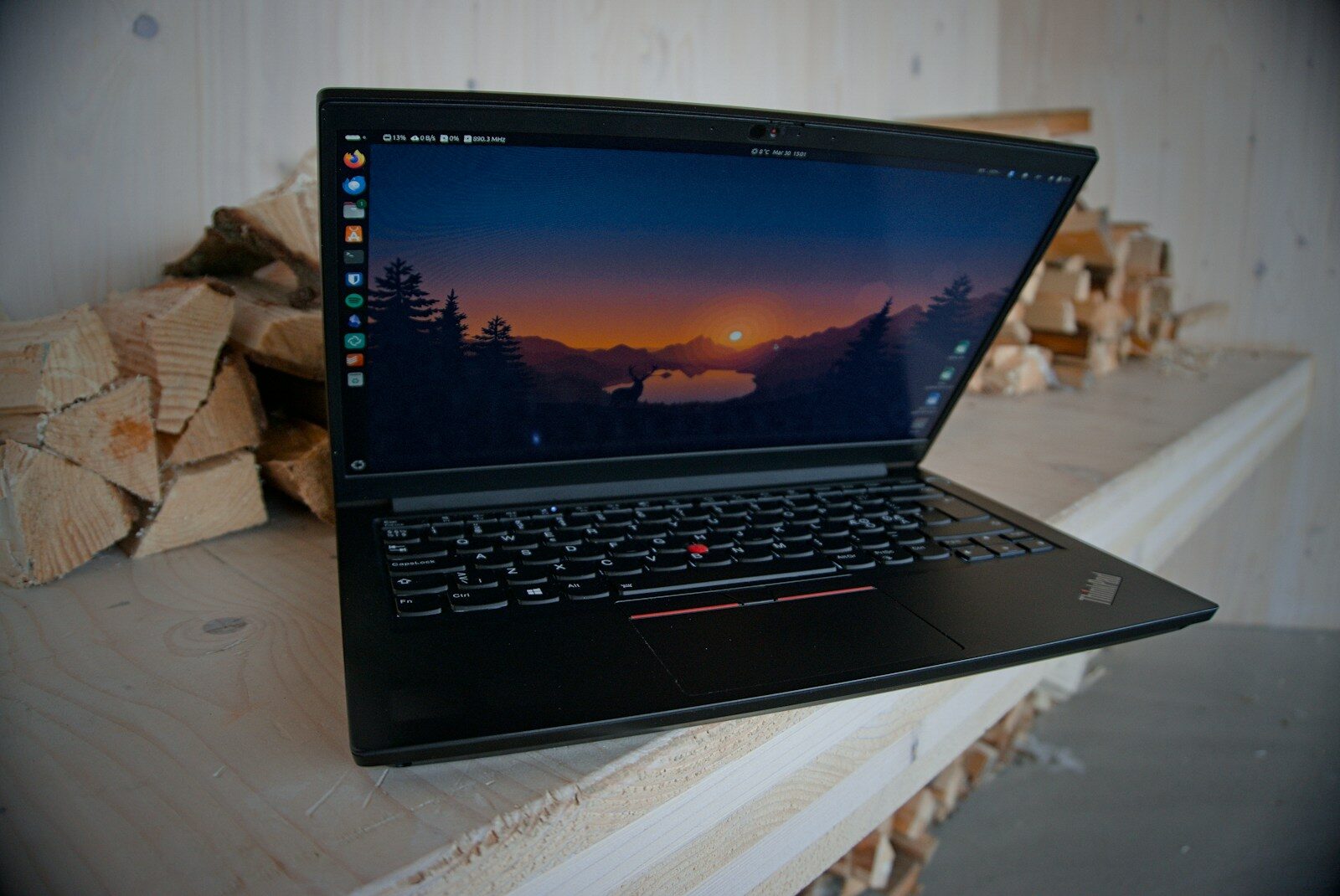
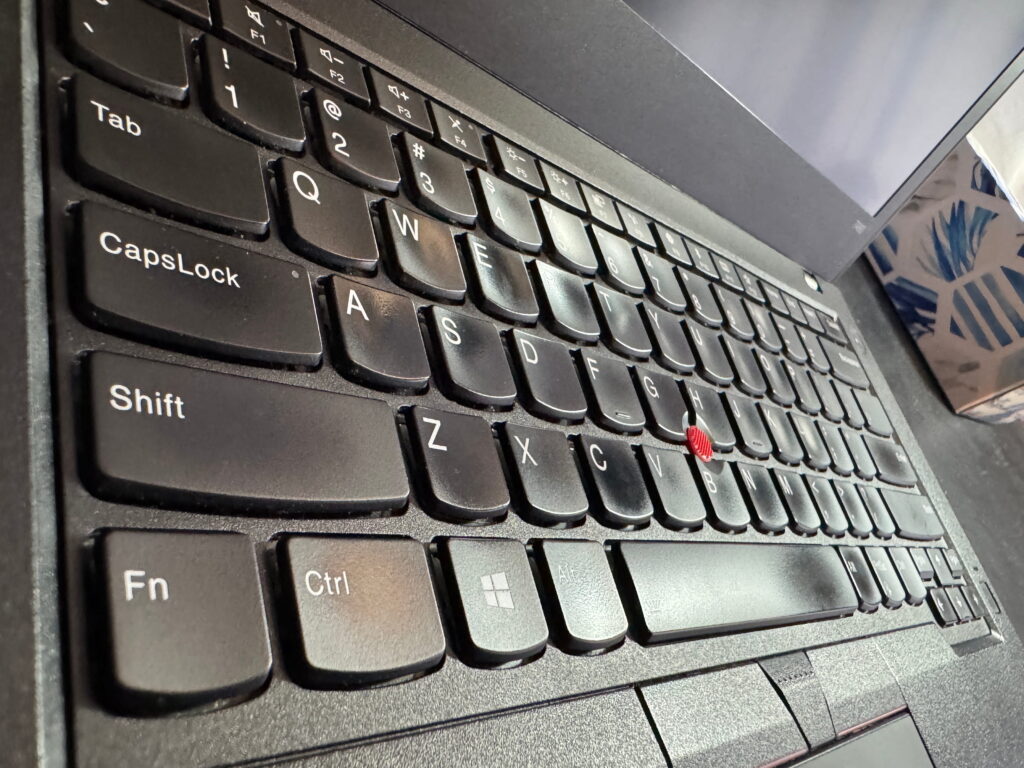
Finally, it was time to type. I slid my fingers across the keyboard and instantly felt the magic. The keys are firm but responsive, with perfect travel and that iconic click — every keystroke satisfying. I could already tell this was a laptop I’d happily type on for hours, maybe even days.
The display was another pleasant surprise. I got lucky with a crisp 1080p panel and surprisingly good brightness. Late-night writing sessions no longer strained my eyes — everything was sharp, vibrant, and comfortable. Combined with the upgraded RAM and blazing SSD, the T480 felt smooth, fast, and ready for anything I wanted to throw at it.
By the time I typed my first full sentence, I realized: this wasn’t just another laptop. It was a proper writing companion. Every click, every word on the screen, made me fall in love with it a little more.
What I use
NordVPN — the VPN that actually works on Linux
Most VPNs on Linux mean fighting with OpenVPN configs. NordVPN has a proper native client — one command and you’re connected.
My Setup and Workflow
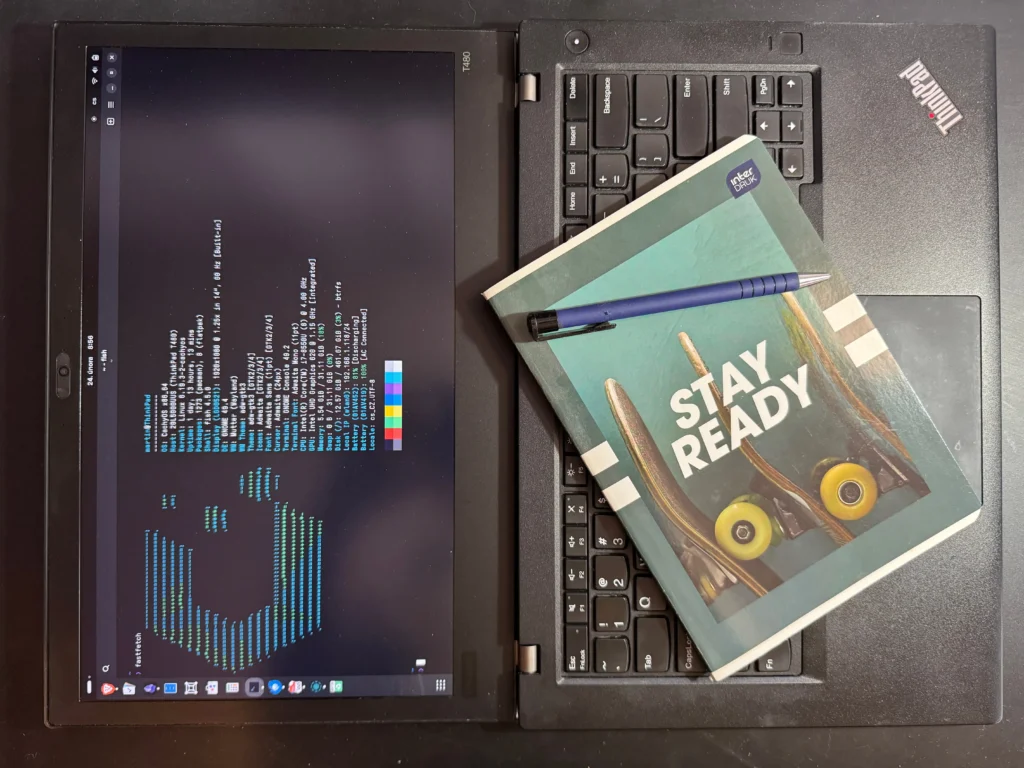
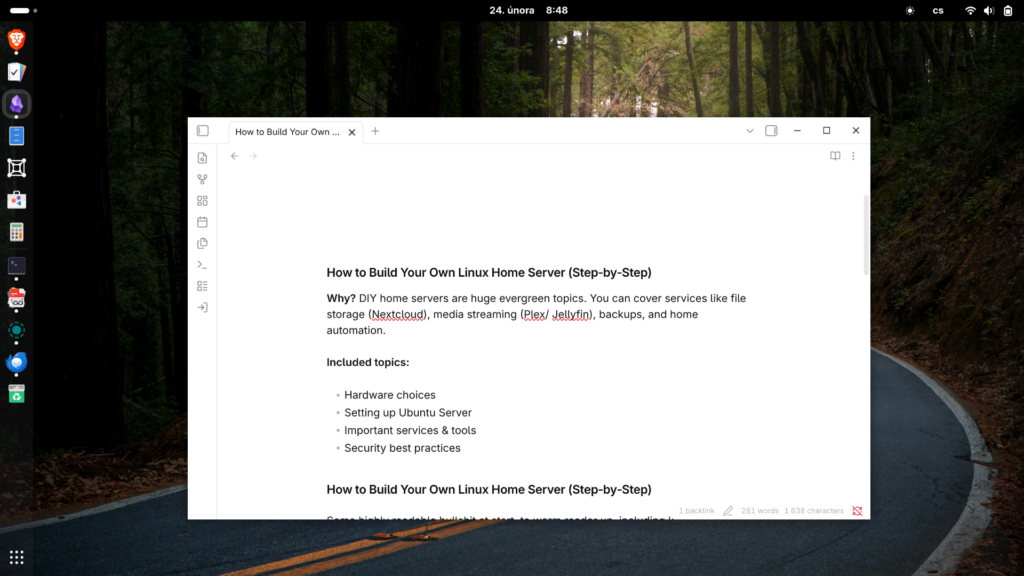
I’m running CachyOS on this T480, and it’s been smooth sailing from the start. For writing, I rely on Obsidian, which pairs perfectly with the keyboard and display — it just makes getting into the flow effortless.
Here’s a snapshot of my upgraded T480:
- CPU: Intel Core i7 — smooth multitasking.
- RAM: 32 GB — upgraded from 8 GB.
- Storage: 500 GB Samsung 970 EVO NVMe SSD.
- Display: 1080p with good brightness.
- Batteries: Internal battery at 62%, removable at 75% — long writing sessions without charging. But soon I’ll defitnetely buy a new one.
With this setup, the ThinkPad T480 doesn’t just feel fast — it feels reliable, ready, and built for writers. Every boot-up, every keystroke, reminds me why all the upgrades and prep work were worth it.
Final Thoughts: A Writer’s Jackpot
Looking back, this journey almost feels funny — months of testing laptops that were either too big or too picky with Linux, and suddenly stumbling on the T480. From the moment I picked it up, prepped it, and typed that first sentence, I knew I’d finally found my “typewriter.”
It’s not just the specs or upgrades that make it special — it’s the feel. The keyboard that invites you to type, the crisp 1080p display, the smooth performance with 32 GB RAM and a fast NVMe SSD, and yes, the fact that both batteries are alive and ready for long writing sessions.
This T480 isn’t just a laptop. It’s a companion, a reliable partner for whatever I want to write. After all the trials and frustrations, finding it feels like hitting a little writer’s jackpot — and honestly? I couldn’t be happier.